Skip to content
ORIX

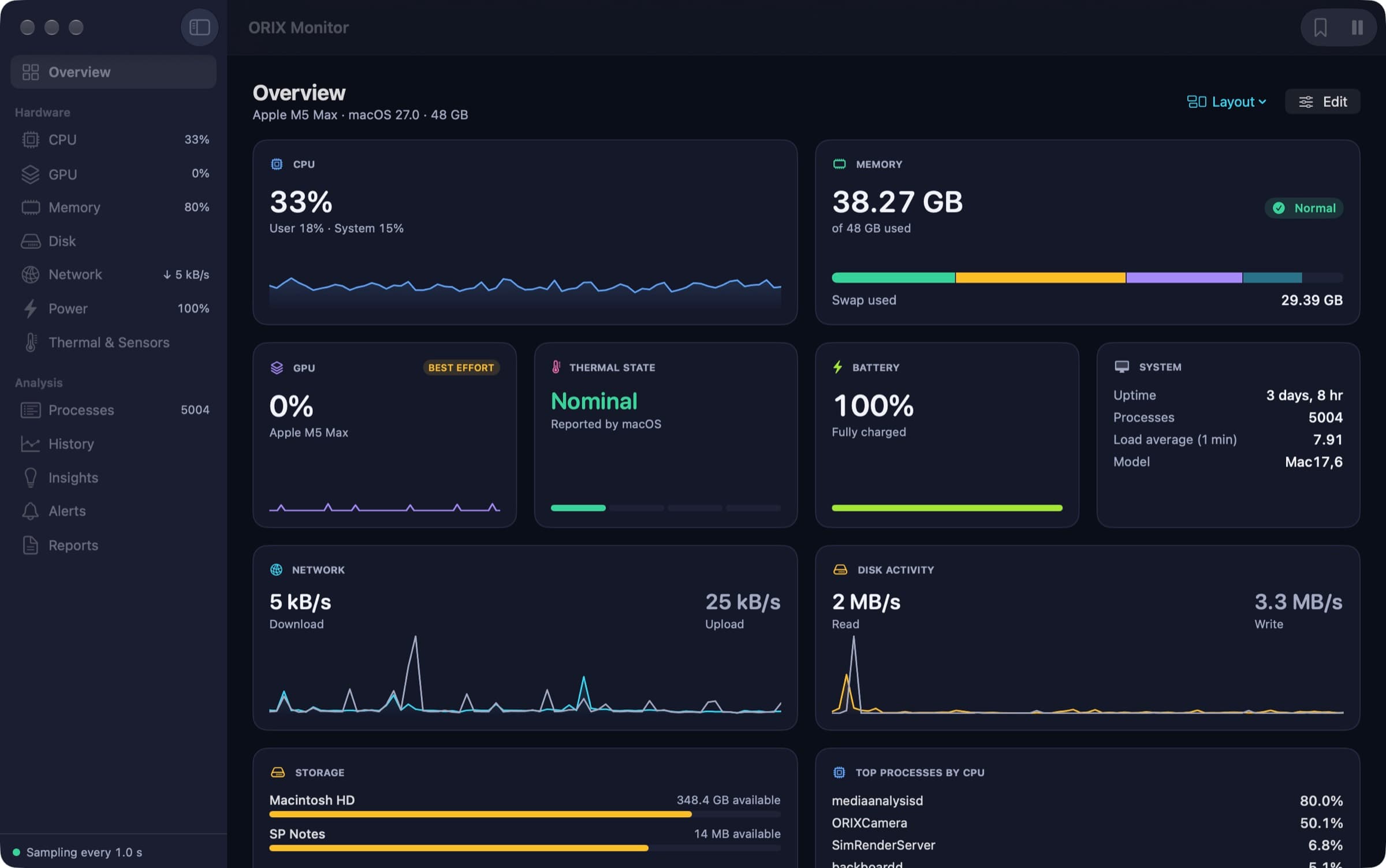
ORIX for Mac

Download ORIX for Mac.

Every image on this page is signed with a Developer ID, notarized by Apple, and checked by this server against the published SPB Git release before its button appears.

  1. 01

    Download

    The image is served by this site itself: the same file, byte for byte, as the one published in the application’s public repository.

  2. 02

    Verify, if you like

    Each release shows its SHA-256. Run “shasum -a 256” on the downloaded file in Terminal and compare the two values.

  3. 03

    Open and drag

    Open the disk image and drag the application to your Applications folder. macOS checks the notarization the first time you launch it.

iPhone and iPad applications are distributed through TestFlight; each product page says where its beta stands. See the full catalog